plotlive
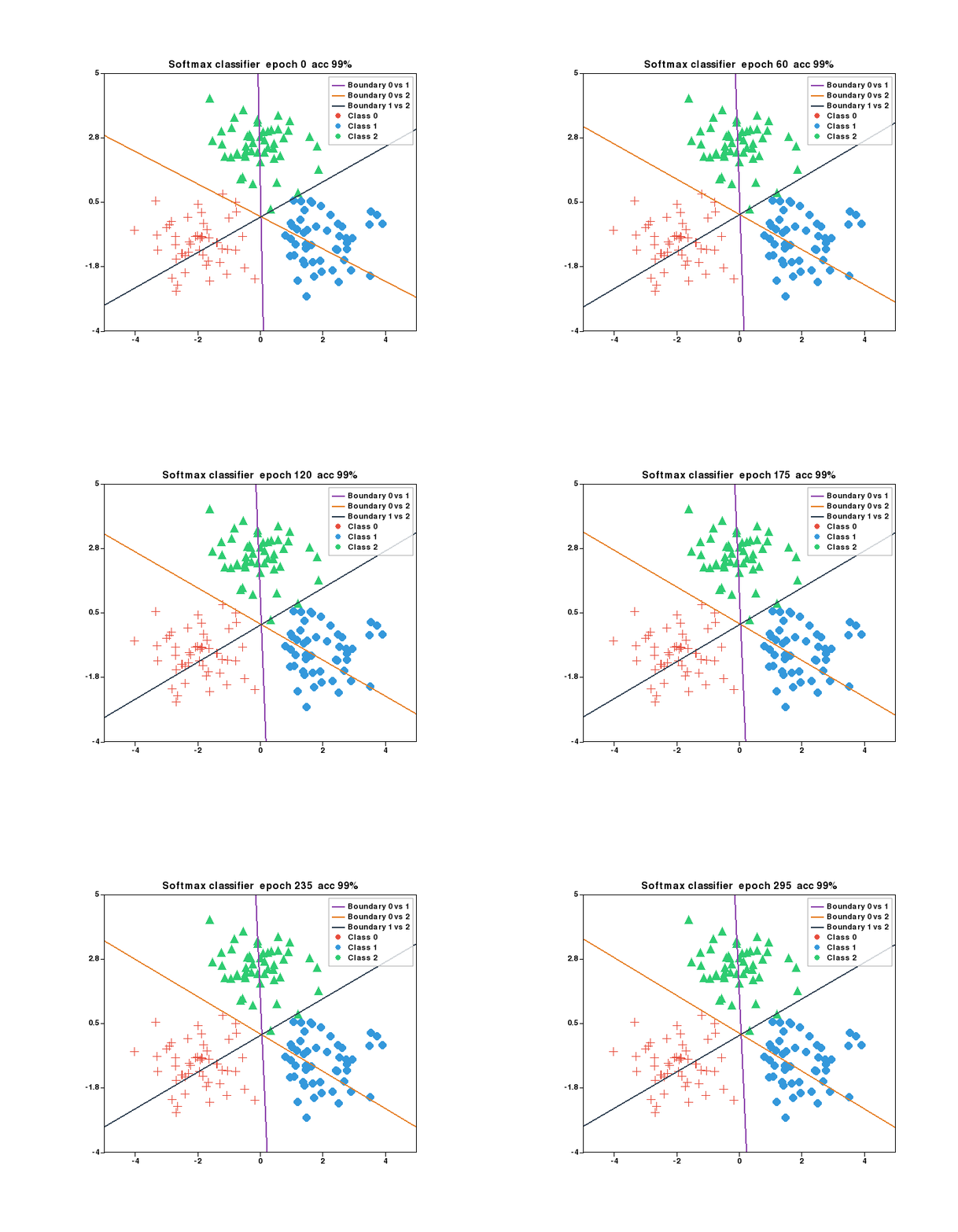
import plotlive.pyplot as plt — same API as matplotlib, but plt.show() opens a live pygame window you can pan, zoom, and step through frame by frame.
Install
For animation export:
pip install plotlive[gif]     # GIF  (Pillow)
pip install plotlive[video]   # MP4  (imageio + ffmpeg)
pip install plotlive[export]  # both
Quick start
import plotlive.pyplot as plt
import numpy as np

x = np.arange(50)
plt.plot(x, np.exp(-x/10), label='train loss')
plt.plot(x, np.exp(-x/12) + 0.05*np.random.randn(50), label='val loss')
plt.xlabel('Epoch')
plt.ylabel('Loss')
plt.title('Training Curve')
plt.legend()
plt.grid()
plt.show()
Animation
def update(frame):
    plt.cla()
    plt.plot(x[:frame], y[:frame])
    plt.title(f'Frame {frame}')

plt.animate(update, frames=100, interval=50)
plt.show()
Animations start paused. Press Space to play, ← / → to step one frame at a time.
Jupyter
plt.show() detects the Jupyter kernel automatically. Static plots render as PNG; animations export as GIF (requires plotlive[gif]) or MP4 as fallback.
Controls
| Key / Action | Result |
|---|---|
| Scroll | Zoom in / out |
| Drag | Pan |
| Double-click | Reset view |
Space |
Play / pause animation |
← → |
Step one frame |
R |
Reset zoom and animation |
S |
Save current frame as PNG |
? |
Show help overlay |